PASTEL: The Multipurpose Google Slide Template for Modern Presentations
Forget the days of wrestling with rigid, uninspired slide decks. For designers, entrepreneurs, and content creators, a presentation is more than just bullet points—it's a narrative tool, a brand statement, and a critical opportunity to connect with an audience. The PASTEL - Google Slide Multipurpose template is built on this philosophy. It’s not a collection of repetitive layouts; it’s a curated gallery of unique slide designs, each crafted to tell a specific part of your story with clarity and style.
A Visual Style Rooted in Clarity and Modern Appeal
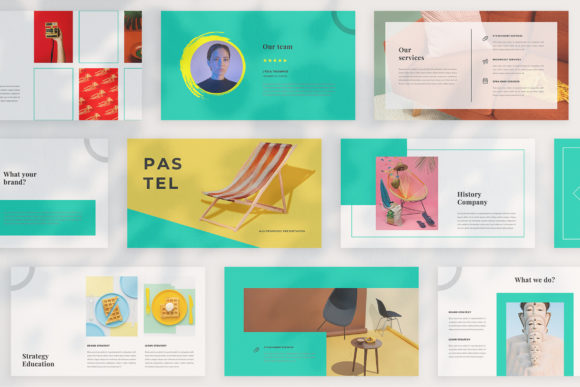
PASTEL’s personality is clean, contemporary, and intentionally versatile. Its visual characteristics lean into a modern aesthetic that balances professionalism with creative flair. The name hints at its softer side, but don’t be fooled—this template uses color with strategic precision. The "unique theme colour" feature allows for automatic color changes across the entire deck, enabling you to align perfectly with any brand identity in seconds. Whether you're presenting a bold marketing campaign or a refined portfolio review, the template adapts to your color scheme without losing its structural integrity.
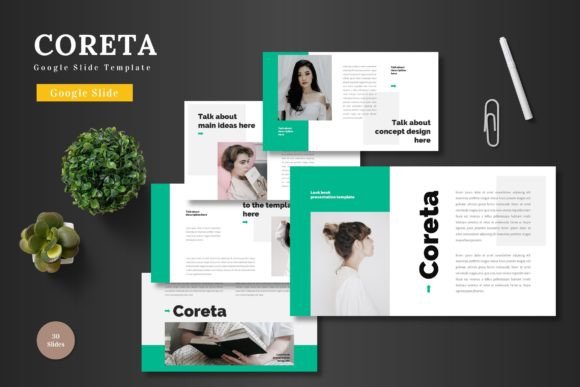
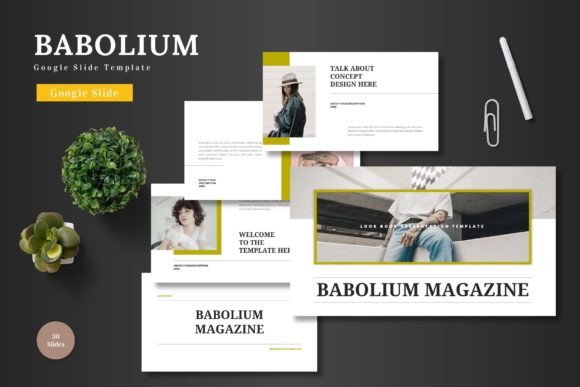
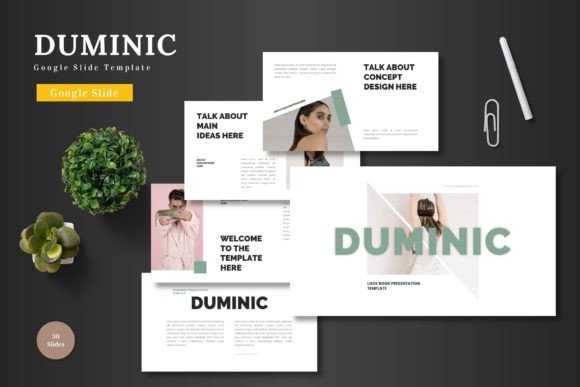
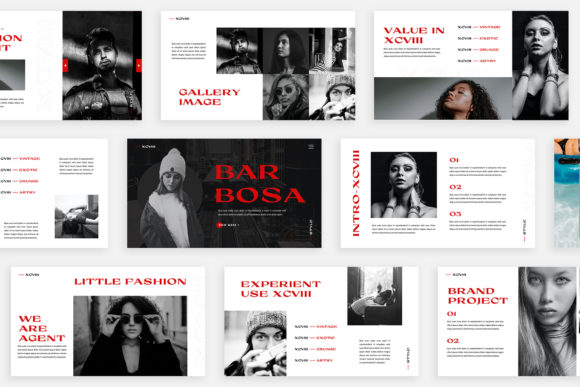
The overall appeal lies in its "lookbook and magazine style layout." This approach moves beyond standard corporate slides, offering compositions that feel more like editorial spreads. It’s perfect for digital media presentations where visual storytelling is paramount. Imagine showcasing a new product line, a social media strategy, or a brand overhaul. The layouts provide ample space for high-resolution imagery, using the Picture Placeholder feature so you can simply drag and drop your own photos. This design-forward approach ensures your content looks polished and intentional, elevating your message from a simple slideshow to a compelling visual experience.
Where PASTEL Truly Shines: From Boardrooms to Brand Launches
The strength of a multipurpose template is its range. PASTEL is engineered for real-world application across a spectrum of projects, making it a valuable design asset for any creative professional's toolkit.
For marketers and agencies, it’s the ideal platform for client pitches, campaign recaps, and strategy presentations. The variety of layout and text variations allows you to structure a persuasive narrative, moving seamlessly from data-driven slides to impactful full-bleed image slides. The professional finish builds immediate credibility with clients and business partners.
Entrepreneurs and small business owners will find it indispensable for investor decks, business plans, and internal team communications. The ease of customization—thanks to the Slidemaster feature—means you can maintain brand consistency effortlessly. Applying your logo, brand fonts, and color palette transforms the template into a dedicated extension of your brand identity, reinforcing recognition and professionalism.
For content creators, bloggers, and designers, PASTEL serves as a powerful tool for showcasing work. A photographer can build a stunning portfolio, a graphic designer can present a new logo design or packaging concept, and a blogger can create a visually engaging media kit. The magazine-style layouts are particularly effective here, turning a presentation into a dynamic visual narrative that engages viewers far more than a static PDF.
Practical Guidance for Implementation and Customization
Getting the most out of PASTEL involves a few key considerations to ensure it aligns perfectly with your project’s needs.
First, evaluate the project fit. While it’s multipurpose, its modern typography and clean lines make it particularly suited for contemporary brands, tech startups, creative agencies, and lifestyle businesses. If your brand identity is deeply traditional or ornate, you may need to invest more time in customization to bridge that stylistic gap.
Next, focus on font pairing and readability. The template comes with free font recommendations (linked in the Help & Instruction PDF). Sticking to these or choosing complementary premium fonts is crucial for maintaining visual hierarchy. Ensure your body text remains highly readable, especially when projected. The template’s clean design provides a strong foundation, but your choice of a serif or sans serif font for body copy will impact how easily your audience absorbs information.
Finally, leverage the technical features for efficiency. The Picture Placeholder and Slidemaster functionality are your best friends. Instead of manually placing and cropping each image, use the placeholders. This not only saves hours of time but also ensures consistent alignment and sizing across your deck, which is a hallmark of professional design. Remember, the photographs in the preview are for illustration—source your own high-quality images from sites like Unsplash or Pexels to make the presentation uniquely yours.
In practice, using PASTEL means you’re starting from a position of strength. You have a foundation of thoughtful, professional design that you can then infuse with your unique content and brand voice. It’s a tool designed not to constrain, but to empower you to present your ideas with the visual clarity and impact they deserve, helping you look presentable and prepared in front of any audience.